APPLIED AI FOR SOFTWARE ENGINEERS
Stop Prompting One File at a Time. Make Codex Your Daily Engineering Workflow.
The bridge between your first AI-edited file and using Codex CLI as a serious tool in real codebases. Build a repeatable daily workflow — the four-part prompt skeleton and plan mode, keyboard-first TUI, tuned config profiles, explore-then-edit on unfamiliar code, scoped refactors with self-review, your first MCP server, and headless automation. End on Ship Day: deploy a real project to a live URL and package a reusable Skill.
 Google Cloud Premier Partner
From First Edit to a Daily Codex Workflow. In One Day.
What You'll Build
- 📏
Four-Part Prompt + Plan Mode
Structure every prompt (context, intent, constraints, definition of done) and approve the plan before any code is written.
- ⌨️
Keyboard-First TUI
Work fast with @ file refs, ! shell, Esc Esc edit/fork, /fork, /resume, /copy, and multi-root sessions.
- 🎛️
Tuned config.toml + Profiles
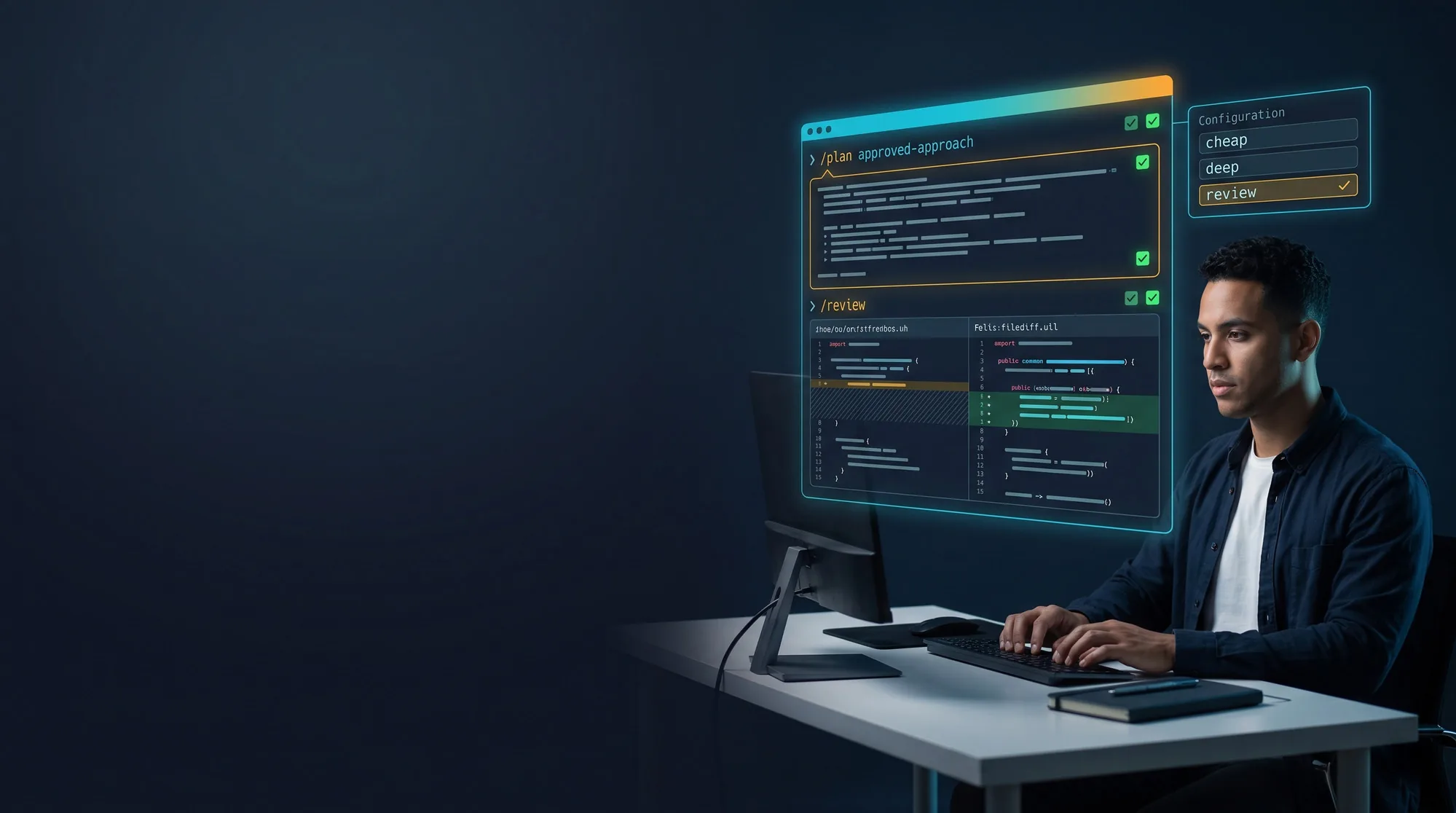
Run three daily profiles — cheap, deep, and review — with project-local overrides.
- 🧭
Explore-Then-Edit
Make Codex map an unfamiliar codebase to a CODEBASE_MAP.md before changing a single line.
- 🔍
Scoped Refactor + /review
Drive minimal multi-file refactors and audit your own diff before committing.
- 🧩
Your First MCP Server
Install and verify a filesystem or fetch MCP server and watch Codex use the new tool.
- ⌨️
Headless codex exec
Automate Codex from the shell — plain output, NDJSON streams, and scripts/git hooks.
- 🚀
Ship Day Capstone
Deploy a real mini-project to a live public URL and package a reusable Skill for Level 3.
Tools You'll Use

What You Will Build
Eight modules, seven guided labs, and a Ship Day capstone — a repeatable daily Codex workflow you keep.
PROMPT SKELETON + PLAN MODE
40 MINBuild the four-part prompt skeleton (context, intent, constraints, definition of done) and use plan mode so Codex surfaces its approach before editing — plan, review, implement, diff, test.
KEYBOARD-FIRST TUI PLAYBOOK
35 MINDrive the TUI without leaving the keyboard: @ to reference files, ! for shell, Esc Esc to edit/fork, /fork, /resume, /copy, and multi-root work with --add-dir.
TUNED config.toml + 3 PROFILES
35 MINA sane ten-line base config plus the three profiles every developer needs — cheap (mechanical), deep (hard bugs), review (read-only) — with project-local overrides.
CODEBASE_MAP.md (EXPLORE-THEN-EDIT)
40 MINMake Codex map an unfamiliar codebase — architecture, module responsibilities, where auth/validation/data live — to a committed document before changing a line.
SCOPED REFACTOR + /review
45 MINRun a minimal multi-file refactor (explicit scope, follow existing patterns, update tests) then have Codex audit its own diff with /review before you commit.
YOUR FIRST MCP SERVER
40 MINWire an [mcp_servers.*] block into config.toml for a filesystem or fetch server, confirm it with /mcp, and ask a question that forces Codex to use the new tool.
HEADLESS AUTOMATION (codex exec)
40 MINRun Codex non-interactively — plain stdout, --json NDJSON streams, -o to save output — and build a real automation like release notes from a git-log range.
SHIP DAY — CAPSTONE
60 MINPick one shipment (portfolio site, mini API, npm CLI, or a bot), flow every change through plan → diff → approve, deploy with one command, and confirm the live URL. Stretch: package a reusable SKILL.md.
Your Instructors

Prem Kumar
AI Architecture Expert
"Anyone can build an AI demo. I teach you how to build the architecture behind systems that scale, because the gap between prototype and production is where most teams get stuck."
Specialty

Himal Rajan
Full Stack & AI Developer
"From React frontends to Python AI backends, I've spent my career building full-stack systems that actually ship, RAG pipelines, autonomous agents, and production APIs that handle real traffic. At RocketOne, I teach you the exact engineering decisions that turn an AI prototype into a system your users can depend on."
Specialty

Naveen Kumar
AI/ML Engineer
"I've built AI systems across Zoho, Virtusa, and now SquareShift, from machine learning pipelines to generative AI applications. At RocketOne, I teach you the practical skills to build AI-powered solutions that work in the real world, not just in notebooks."
Specialty
Industry practitioners with hands-on delivery experience at SquareShift Technologies, a Google Cloud Premier Partner serving Fortune 500 clients.
What You Need Before Day 1
Required
- Completed Codex CLI Level 1, or working knowledge of Codex CLI basics (installing, first edits, basic prompts)
- Laptop with internet access and a terminal
- Node.js / npx installed; Git and a GitHub account
- An OpenAI account with Codex CLI access
Not Required
- Prior MCP or automation experience
- Deep DevOps knowledge
- A large existing project (samples provided)
This is the intermediate (Level 2) track. You should already have Codex CLI basics; here you turn them into a productive daily workflow.