GEMINI ENTERPRISE AGENT PLATFORM // TRACK 3 / 3
Get Productive on Gemini Enterprise: Every App, Every Day
COMING SOON
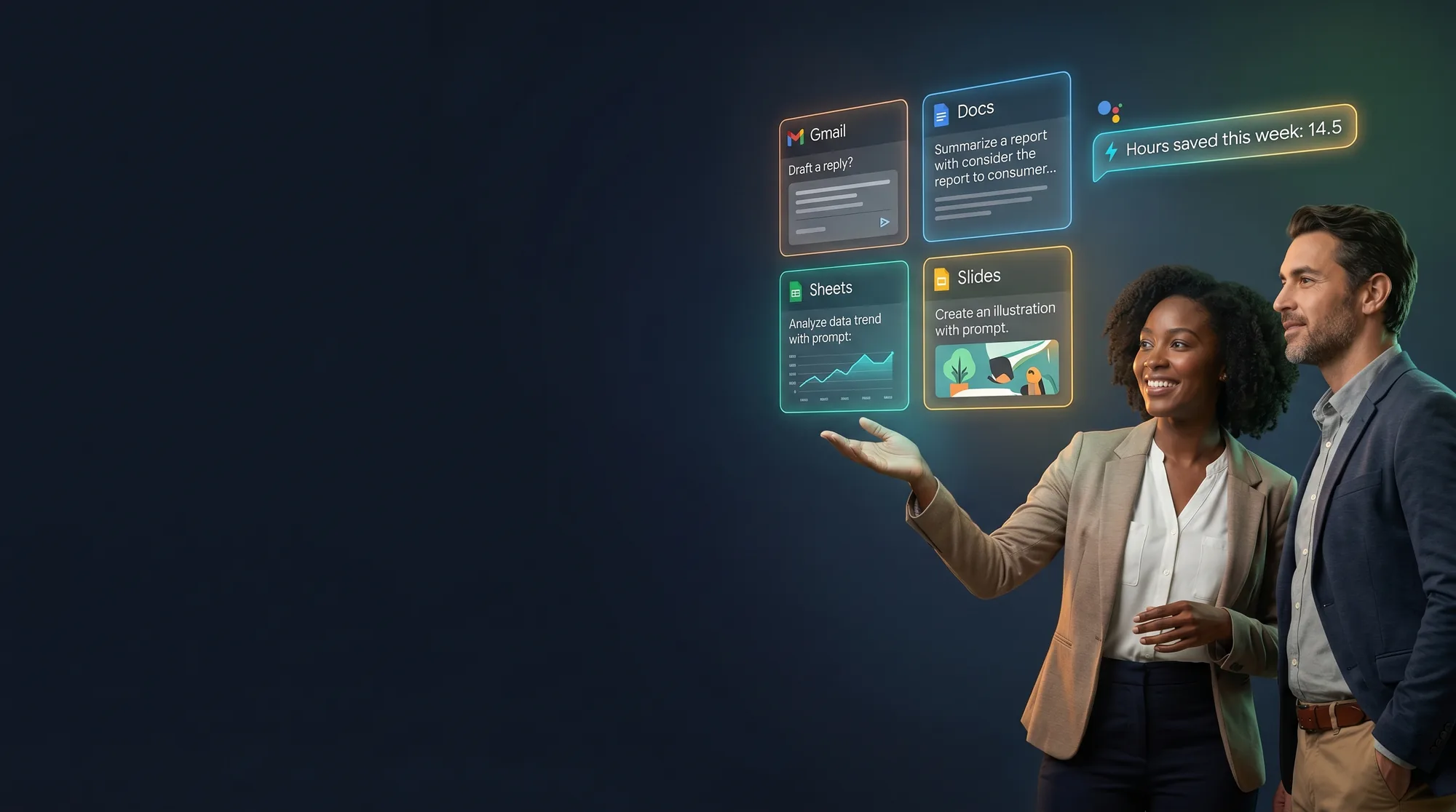
The end-user track. Gmail, Docs, Sheets, Slides, Meet, NotebookLM, and cross-app workflows. Plus the field-tested adoption playbook that drives 85% license activation within 90 days, the metric the inbound EDU client wants to hit.
 Google Cloud Premier Partner
One Cohort. Twelve Daily Workflows. 85% Activation in 90 Days.
Built for everyone on a Gemini Enterprise licence: employees, knowledge workers, faculty, students. Day 0 Foundation Sprint primes you on the Gemini Enterprise Agent Platform terminology. Then 3 days of app-by-app workflows that drive daily usage, plus the multi-app productivity plays that compound impact, dedicated Gemini Gems content, and a Day-in-the-life workflow-automation capstone (team competition). Workshop facilitators leave with the adoption playbook calibrated for the 85%-activation-in-90-days target. Built to be repeatable for waves of new licence holders.
What You'll Master
- 🚀
Day 0 Foundation Sprint
GEAP terminology, safe prompting, daily-use orientation.
- ✉️
Gemini in Gmail
Draft, summarise, and prioritise email without leaving the inbox.
- 📄
Gemini in Docs
Outline, rewrite, and polish docs at the speed of thought.
- 📑
Gemini in Sheets
Pivot, formulate, and pull insights from data in plain English.
- 📽️
Gemini in Slides
Storyboards, art direction, and on-brand visuals on demand.
- 🎥
Gemini in Meet
Notes, recaps, action items, and translation in real time.
- 📖
NotebookLM
Run your own research and synthesis tool over your own sources.
- ✨
Personal Gems
Build reusable AI experts for the workflows you repeat weekly.
- 🎛️
Good Prompt Anatomy
A repeatable structure for every prompt you write at work.
- 🔗
Cross-App Workflows
Research → Brief, Meeting prep, Email → Action, Data → Story.
- 🛡️
When NOT to Use Gemini
Privacy, regulatory, and real-time-data guardrails.
- 🥇
Capstone Competition
Team challenge to automate a Day-in-the-life end to end.
Tools You'll Use



THE CURRICULUM
What You Will Master
Day 0 Foundation Sprint + 3 days of app-by-app and multi-app productivity work, dedicated Gemini Gems content, the adoption playbook, and a Day-in-the-life capstone competition.
DAY 0,FOUNDATION SPRINT (PRE-WORK, SELF-PACED)
2 to 3 HRS · SELF-PACEDMandatory primer bundled with every track. Sourced from Google Skills #1674 (AI Boost Bootcamp) + #1401. Covers what Gemini Enterprise is (vs Gemini for Workspace vs the Gemini Enterprise Agent Platform, the platform formerly known as Vertex AI); safe prompting essentials; the agentic lifecycle at a glance; and terminology alignment (agents, RAG, grounding, ADK, GEAR). Completion check before Day 1.
GEN AI FOR EVERYDAY WORK
25 MINDefine generative AI (prompts, models, limitations). Workspace-with-Gemini feature overview. Where Gemini Enterprise differs from Workspace-with-Gemini. Responsible-use principles: bias, hallucination awareness, accuracy.
GEMINI IN GMAIL
30 MINUse Gemini to draft a new email. Refine and rewrite an existing draft. Summarise long email threads. Smart reply patterns.
GEMINI IN GOOGLE DOCS
30 MINGenerate written content from prompts. Refine content: tone, length, style. Proofread for spelling, grammar, style, word choice. Document outline and synthesis patterns.
GEMINI IN SHEETS
25 MINProject plans and tracker templates. Formula assistance and explanation. Data classification with 'help me organise' prompts.
GEMINI IN SLIDES
25 MINGenerate images directly in a presentation. Add style and treatment to AI-generated images. Speaker-notes assistance.
GEMINI IN MEET
20 MINGenerate meeting backgrounds and images. AI-generated meeting summaries. The 'Take notes for me' workflow.
NOTEBOOKLM FOR THE KNOWLEDGE WORKER
45 MINCurated-corpus analysis by feeding sources into a notebook. Source citations and traceable answers. Audio overview generation. Briefing docs and FAQs from sources. Grounding for accurate language-model responses (RAG behaviour). Gems for repeated workflow templates.
GEMINI GEMS: BUILD YOUR PERSONAL AI EXPERTS
45 MINSourced from Google Skills #1674 (AI Boost Bootcamp) lessons "Build AI experts with Gemini Gems" and "Draft executive summaries with Gemini Gems". Create role-tuned Gems for recurring workflows like meeting-prep Gem, exec-summary Gem, status-update Gem, code-review-feedback Gem. Reuse system instructions; share Gems with your team. The path from ad-hoc prompting to a personal Gem library that scales your output.
DAILY-USE PATTERNS & SAFE PROMPTING
30 MINThe 'good prompt' anatomy: context + task + constraints + examples. Behaviour differences between Workspace-with-Gemini and Gemini Enterprise. Privacy boundaries: what GE sees vs what it doesn't. When NOT to use Gemini (regulatory, deeply private, real-time data). Personal Gems library for recurring workflows.
CROSS-APP PRODUCTIVITY WORKFLOWS
60 MINResearch → Brief workflow (NotebookLM → Doc outline → Slides). Meeting prep workflow (Calendar agenda → Doc synthesis → Slides update). Email → Action workflow (Gmail thread → Doc draft → Calendar invite). Data → Story workflow (Sheet analysis → Doc narrative → Slides visualisation). Side-panel Gemini vs full Gemini Enterprise. Quick-win plays for the first 30 days post-rollout.
ADOPTION PLAYBOOK FOR FACILITATORS
45 MINDiscovery Workshop format: 4 to 10 sessions of 60 to 90 minutes each, per persona. Persona-based agendas (Admin staff, Faculty, EdTech, Students, Knowledge workers). Activation tracking,85% target within 90 days, weekly checkpoints. Champions / power-user identification. Office-hours pattern + content kit (decks, cheat sheets, recordings). Communications cadence and exec sponsorship rituals.
CAPSTONE: DAY-IN-THE-LIFE WORKFLOW AUTOMATION
180 MIN · TEAM COMPETITIONSynthesis. In small teams, take a real role's day-in-the-life (sales proposal, support ticket triage, meeting prep cycle, exec briefing cycle, your choice) and automate it end-to-end across Workspace + Gemini Enterprise. Document Intelligence on uploaded source files. Reusable Gem. Cross-app handoffs. Five-minute demo on Day 3. Audience vote + instructor scoring. Winning team gets a swag pack, every team leaves with a working automation they can take to Monday.
Your Instructors

Prem Kumar
AI Architecture Expert
"Anyone can build an AI demo. I teach you how to build the architecture behind systems that scale, because the gap between prototype and production is where most teams get stuck."
Specialty
What You Need Before Day 1
Required
- Laptop with internet access (macOS, Windows, or Linux)
- A Google Workspace account (provided by your organisation)
- Day 0 Foundation Sprint (bundled, 2 to 3 hours self-paced before Day 1)
Not Required
- AI experience
- Programming experience
Bring real work like emails, docs, and slides you're already drafting, so the exercises produce something you'll actually use. The capstone team competition rewards realism over polish.